Download & install
Open the .dmg, drag Chapeta to Applications. It appears in your menu bar.
Download Chapeta and start using AI on your Mac in under a minute.
macOS 14+ · Apple Silicon or Intel Mac
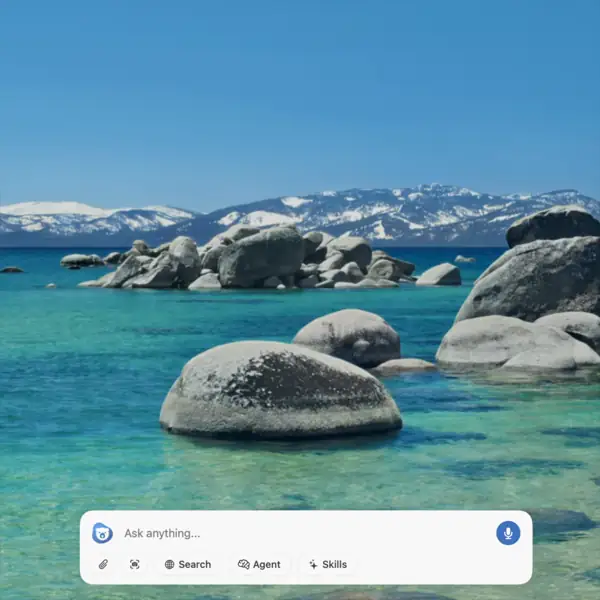
One native Mac app. The best AI models, real tools, and a keyboard shortcut away.
GPT, Claude, Gemini, DeepSeek, Llama, Nano Banana, and more. Switch freely.
Run terminal commands, edit files, search the web, and analyze screenshots.
AI appears over your current app. Ask, get it done, dismiss.
Save proven prompts for code review, summaries, translation, and more.






Open the .dmg, drag Chapeta to Applications. It appears in your menu bar.
Enter your email and verify with a code. No password, no social logins, takes seconds.
Chapeta appears over your current app. Just ask.
Email sign-in only. No tracking SDKs, no surprises.
Conversations stay on your Mac. API keys live in macOS Keychain.
No in-app ads. No tracking SDKs. Analytics are cookie-consent only.
Sign in with just your email. No passwords, no social logins, no friction.
Download and start using AI on your Mac in under a minute.
See pricing for Pro and BYOK upgrades.