Summarize a PDF
Drop a 50-page report and ask for the three key takeaways. Get a summary in seconds without reading a single page.
PDFs, images, audio, video - just drag them into chat. No uploading, no conversion. Ask questions about what you see.
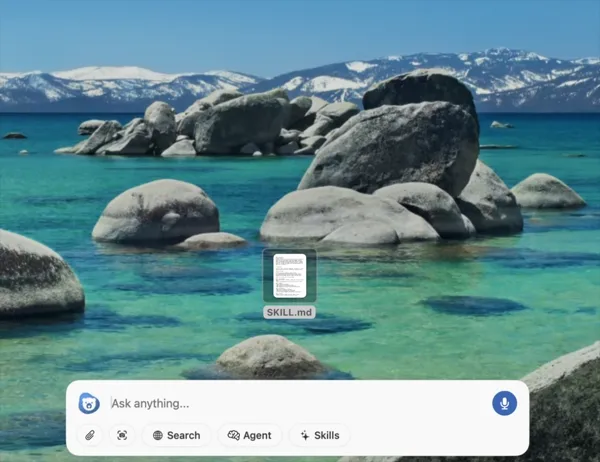
Drag a file from Finder into the chat window, or use the file picker to browse. No conversion, no prep work.
Chapeta shows a thumbnail of your file so you know exactly what the AI will see. Images render inline, PDFs show page count.
Type your question and hit send. The AI analyzes the full file and responds with answers, summaries, or extracted data.
Drop a 50-page report and ask for the three key takeaways. Get a summary in seconds without reading a single page.
Drag in a chart, screenshot, or photo. Ask what it shows, extract text, or get a description for accessibility.
Drop a meeting recording or voice memo. Get a full transcript, then ask follow-up questions about what was said.
Add a screen recording or tutorial clip. Ask AI to explain what happens, extract steps, or identify key moments.
File analysis works across the best models. Use GPT for detailed document reasoning, Claude for long PDFs, Gemini for multimodal input. Switch freely and use the best model for each file type.
Explore All Models →