Bash
Run terminal commands. Install packages, manage git repos, process data, automate builds.
9 built-in tools. Run terminal commands, edit files, search the web, and analyze screenshots - all from natural language.
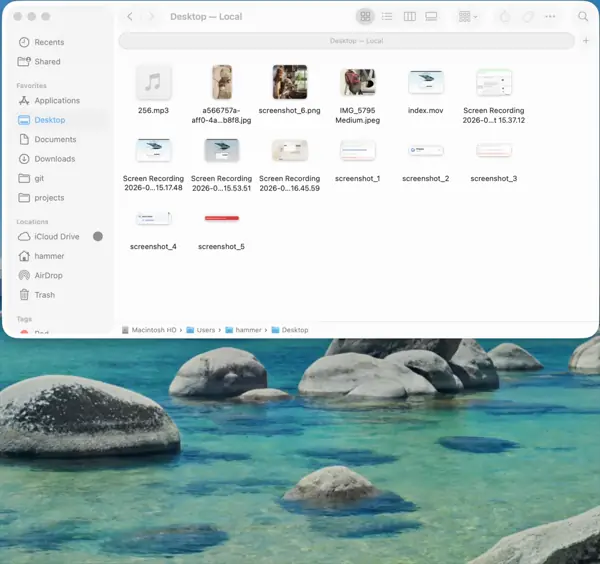
Other AI apps suggest actions. Chapeta helps carry them out. Every tool runs natively on your Mac - no sandboxes, no copy-paste.
Execute local commands and analyze on-screen context directly.
Run terminal commands. Install packages, manage git repos, process data, automate builds.
Capture your screen. Analyze what you see, debug UI issues, document workflows.
Read, write, and navigate your filesystem.
Read any file on your Mac. Analyze code, review documents, inspect configs.
Create new files. Generate scripts, configs, documents from natural language.
Modify existing files with precision. Find-and-replace, refactor code, update configs.
Find files by pattern using fd. Locate all .swift files, match naming conventions, batch discover.
Search file contents with ripgrep. Smart-case matching, .gitignore-aware, fast regex across entire projects.
Search the internet and fetch pages.
Search the web with citations. Get current information, documentation, answers with sources.
Fetch and read web pages. Pull documentation, extract data, summarize articles.
Tools become powerful when they chain together. Agent mode lets Chapeta plan and execute multi-step tasks. You decide how much autonomy to grant.
Every tool use requires your explicit approval. You see exactly what will run before it runs.
Safe operations (read files, search) run automatically. Destructive actions (write, execute) still need approval.
All tools run without prompts. Chapeta chains actions to complete multi-step workflows end to end.
These are real prompts. Chapeta picks the right tools, chains them together, and gets the work done.
"Find all uses of parseConfig in my project, update them to the new API, and run the tests."
Tools: Grep, Edit File, Bash"Read the crash log, find the failing line in the source, and suggest a fix."
Tools: Read File, Grep, Edit File"Search for today's tech news, summarize the top 5 stories, and save the summary to ~/Notes/morning-brief.md."
Tools: Web Search, Write File"List my Downloads folder, sort files by type, and move them into organized subfolders."
Tools: Glob, Bash"Fetch the docs for this API, summarize the auth flow, and write a quick-start guide to ~/Notes."
Tools: Web Fetch, Write File"Check what changed since yesterday, write a summary to ~/Notes/git-summary.md, stage everything, and commit with a good message."
Tools: Bash, Read File, Write FilePower without guardrails is reckless. Chapeta gives you full control over what the AI can do.
In Supervised and Balanced modes, you see exactly what will execute before it runs. One click to approve or reject.
Tools only access what you allow. File operations respect the paths you set. No silent access to areas outside your scope.
Tools run on your Mac, not in a remote sandbox. Commands execute in your local shell, and only the context required for your AI request is sent to your selected model provider.
Every tool call is logged in the conversation. You can see what ran, what it returned, and what the AI did with the result.
Describe what you want in plain English. Chapeta picks the right tools, chains them together, and handles it.
"Find my 3 most recent PDFs, summarize each one, and save the notes to ~/Notes/recent-pdfs.md"
Tools: Glob, Read File, Write File"Rename all files in Downloads matching *.screenshot.png to screenshot-001, screenshot-002..."
Tools: Glob, Bash"Summarize today's meeting notes and save the summary as ~/Notes/team-update.md"
Tools: Read File, Write File