Path Restrictions
File write restrictions protect system files, app bundles, and sensitive directories.
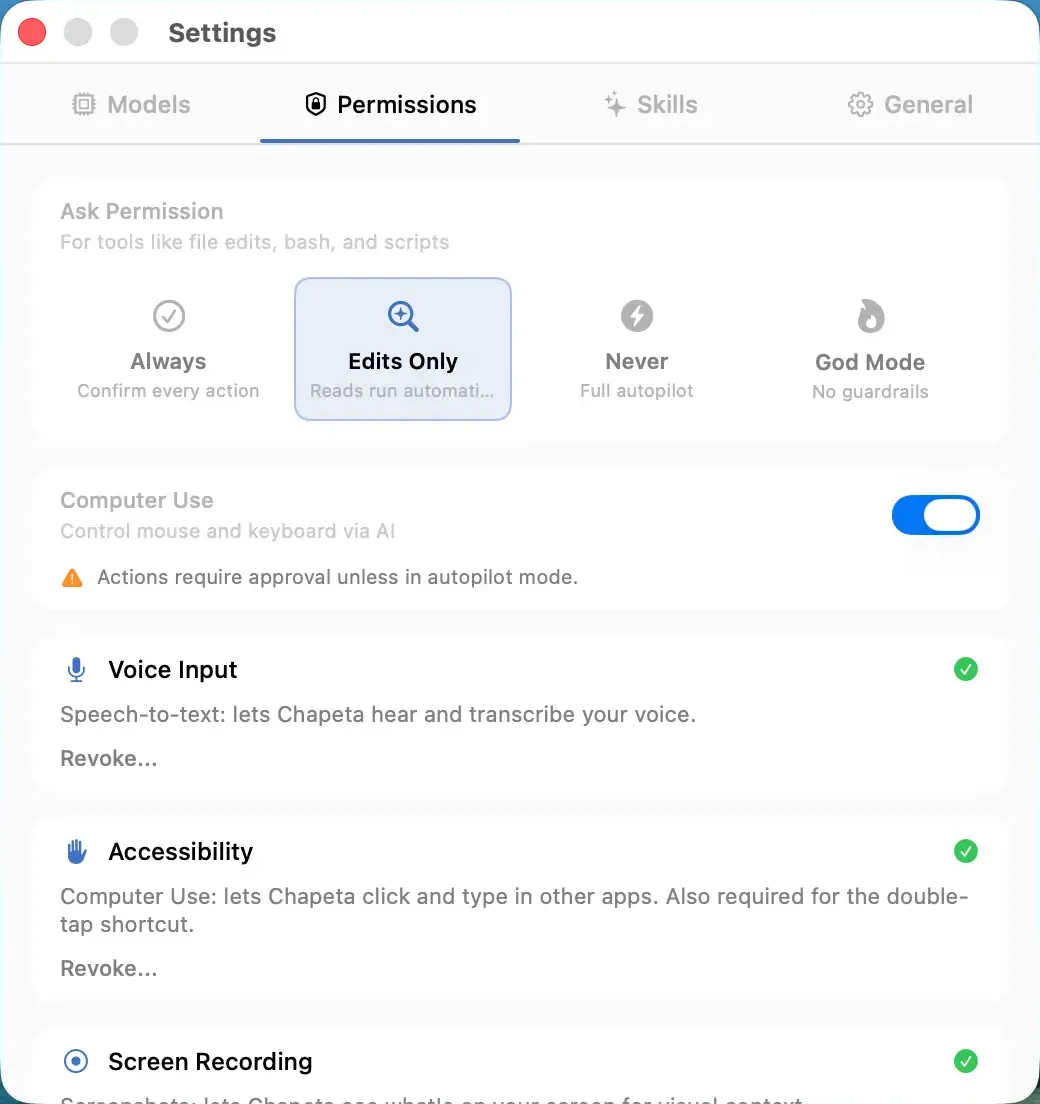
Chapeta restricts where the AI can write files. The AI can read files broadly but cannot write to system directories, application bundles, or other sensitive locations. This prevents accidental or malicious modification of your operating system, installed applications, and security-critical files.
How It Works
- When the AI attempts to write, create, or delete a file, Chapeta checks the target path.
- If the path falls within a restricted directory, the write is blocked.
- The AI receives an error explaining the path restriction.
- Reads are not restricted. The AI can read files from any accessible location.
- Path restrictions apply in all approval modes.
Benefits
- System files and app bundles cannot be modified by the AI.
- Prevents accidental damage to your macOS installation.
- Security-critical directories (keychains, SSH keys) are protected.
- Works alongside the command blocklist for defense in depth.
Tradeoffs
- The AI cannot help with tasks that require writing to restricted paths.
- If you need to modify a system file, you must do it manually.
- The restriction list is not configurable.
FAQ
More Safety Features
Supervised Mode
Approve every tool action before it runs. Zero surprises.
Balanced Mode
Safe actions auto-approve. Dangerous actions require confirmation.
Autopilot Mode
Full automatic execution. No approval prompts. Maximum speed.